This tutorial for the newbie who still lay on how to install windows xp system, maybe just the steps :
1. Prepare Coffee + Cigarettes:)
2. Insert the CD system xp (boot), then press any key to start booting windows
3. Windows will start the installation
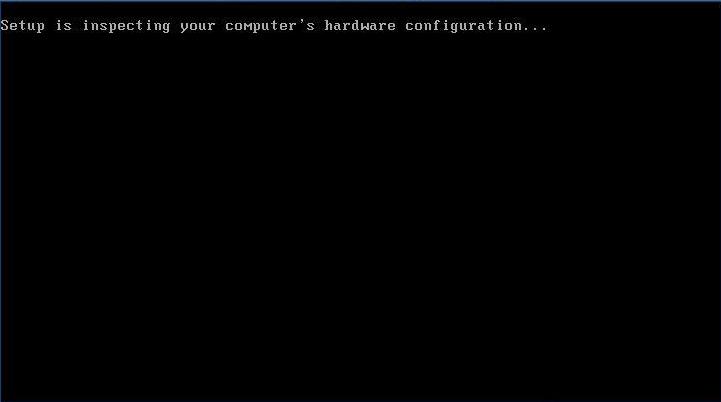
4. Continue . . .
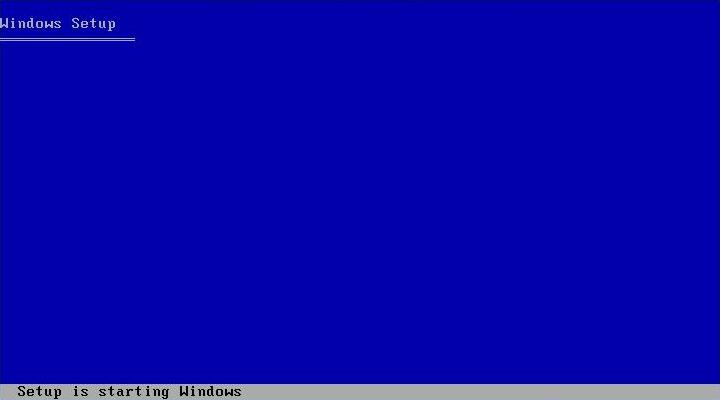
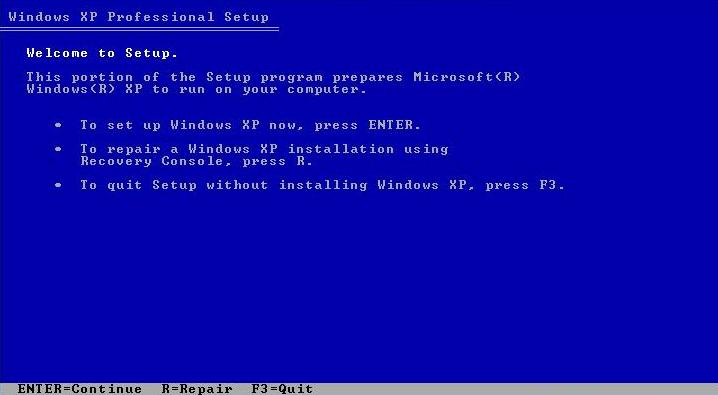
5. Press "Enter" to continue
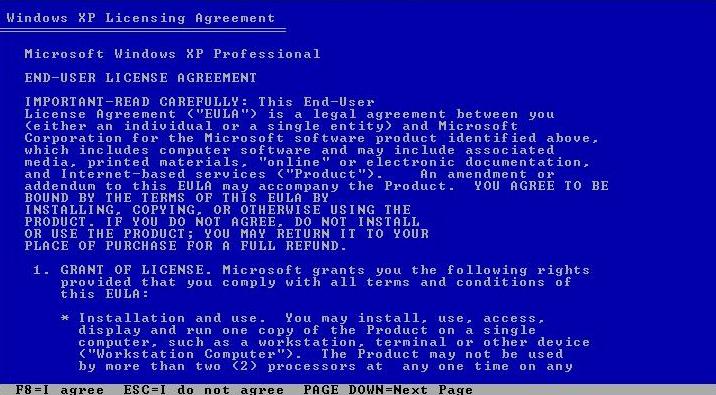
6. Press "F8" to agree the license windows xp (Windows XP EULA)
7. Press "C" to create a disk partition
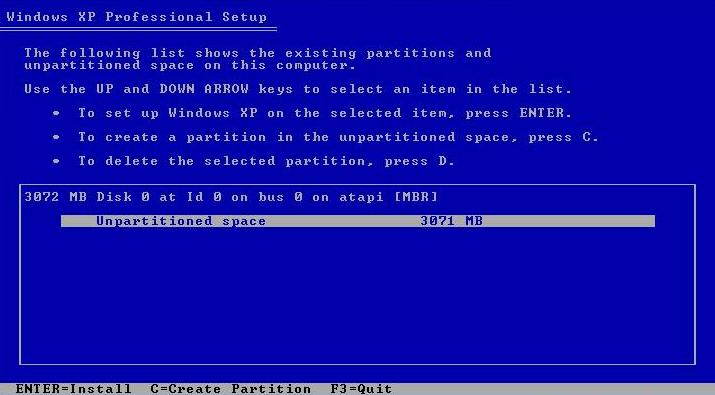
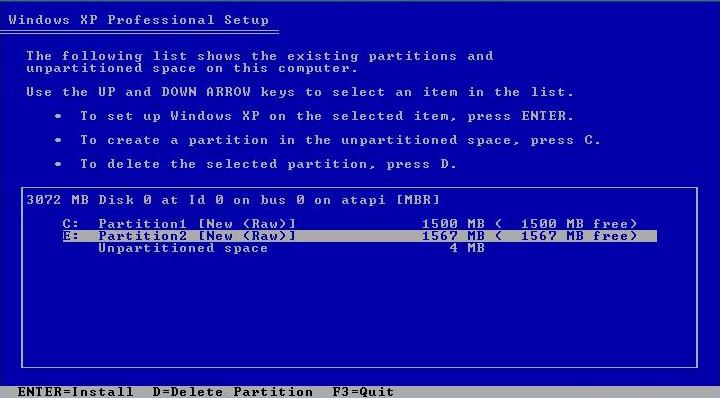
8. Continue, then select the partition to the selected to be installed. by default installed in "drive C:" then press "ENTER" to install
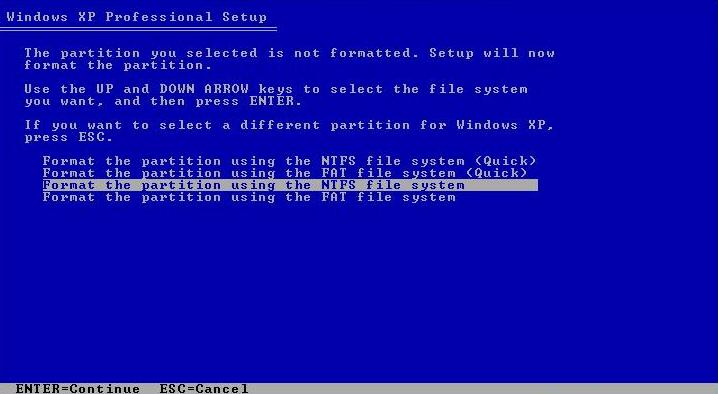
9. Choose the Format NTFS or FAT type, then press "Enter" to continue . . .
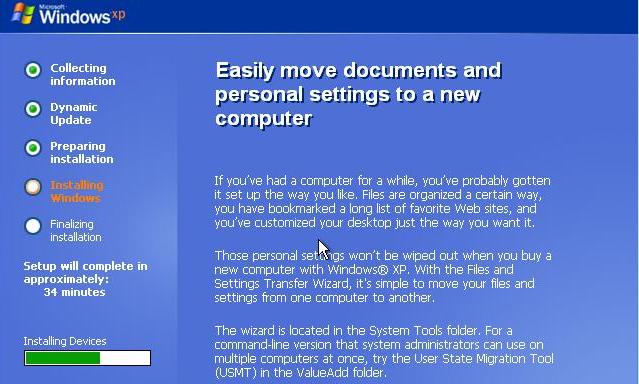
10. Wait until the finish, the computer will restart again:)
11. Continue . . .
12. Press the "Customize" to make additional settings, then press "Next"
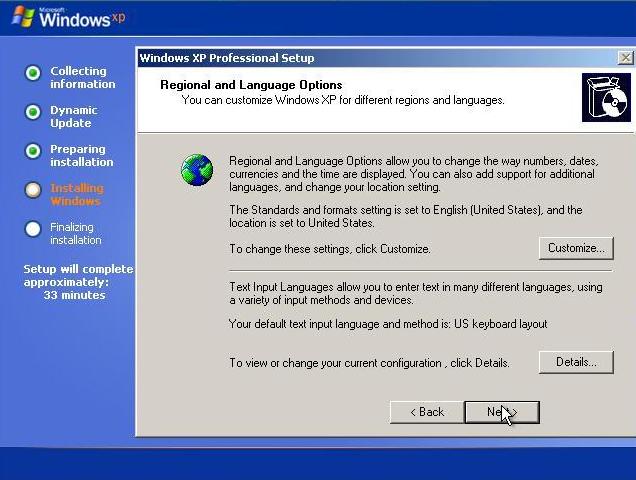
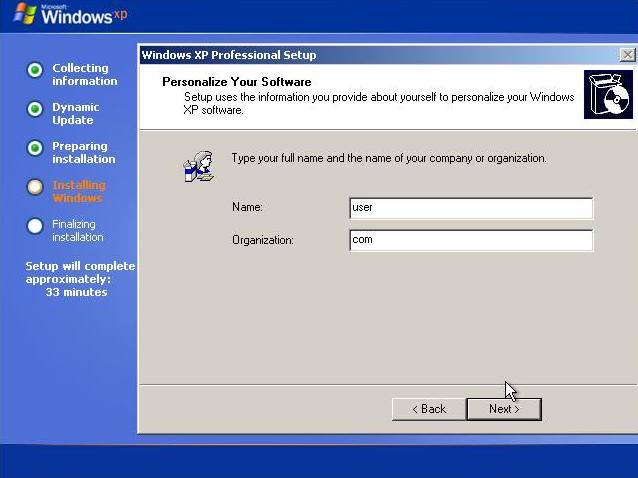
13. Fill in the User & Organization up to you:) and then "Next"
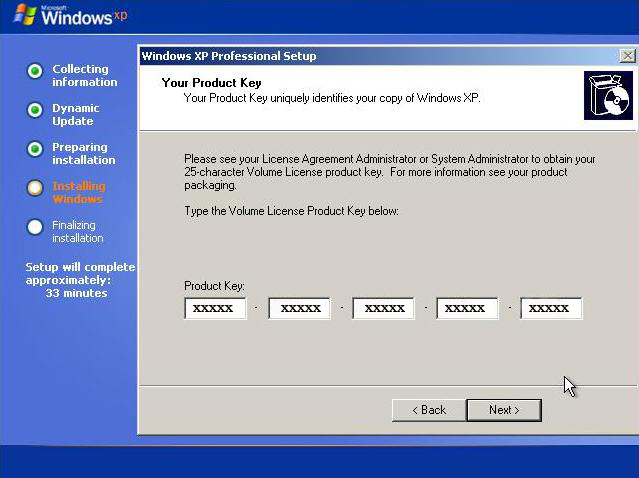
14. Fill in the Product Key and then "Next"
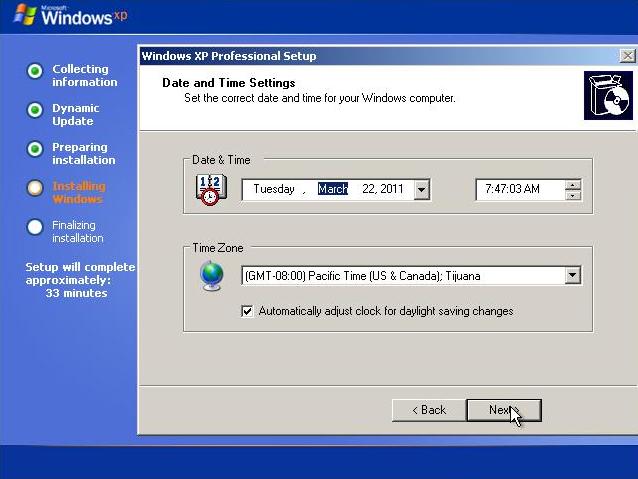
15. Set the date and time, then "Next"
16. Wait for the installation, until the computer restarts again:)
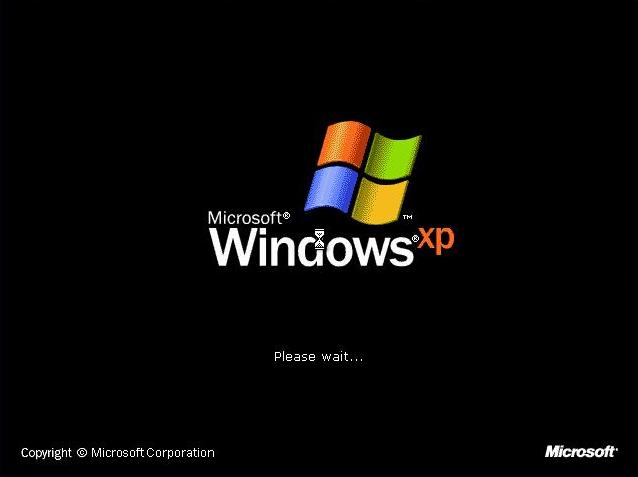
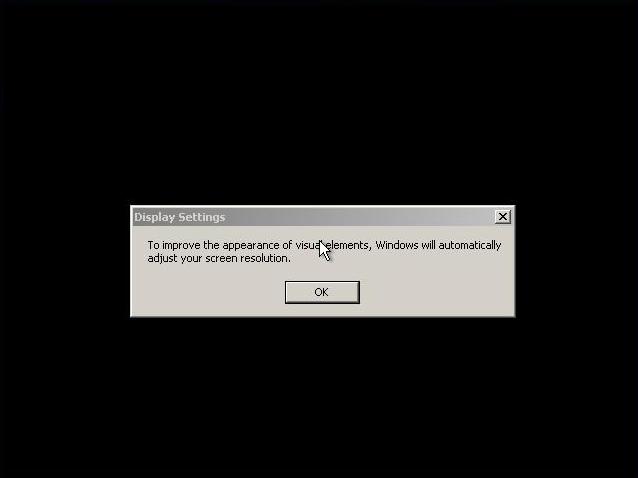
17. Continue, and then "OK"
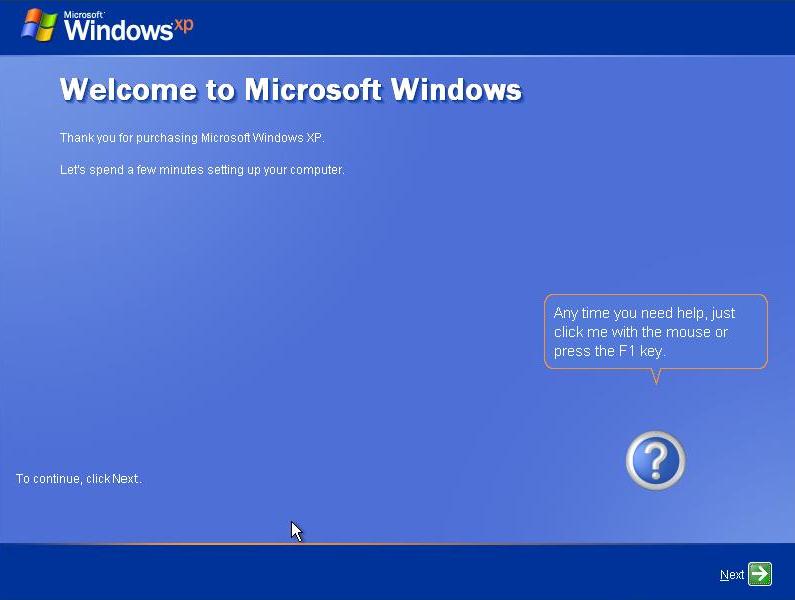
18. Welcome To Microsoft Windows, and then "Next"
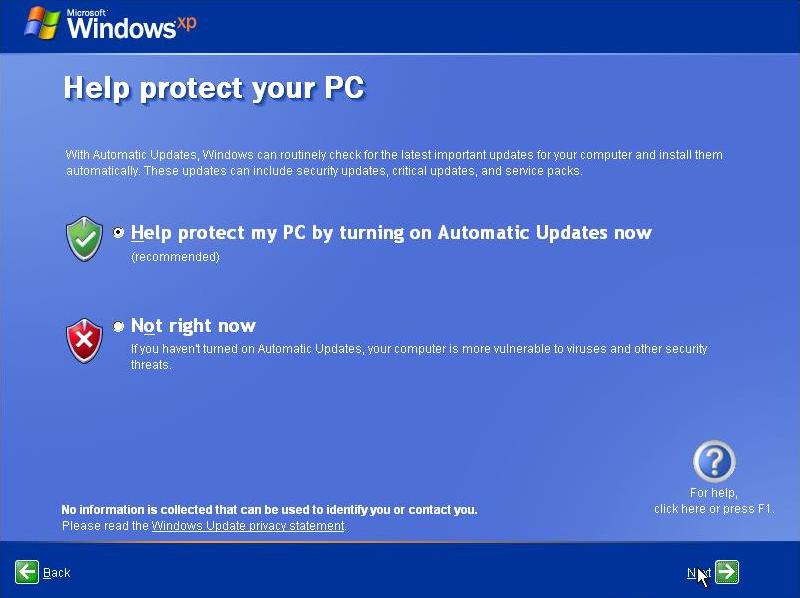
19. Help Protect <> Automatic Updates, and then "Next"
20. Enter the user name, then "Next"
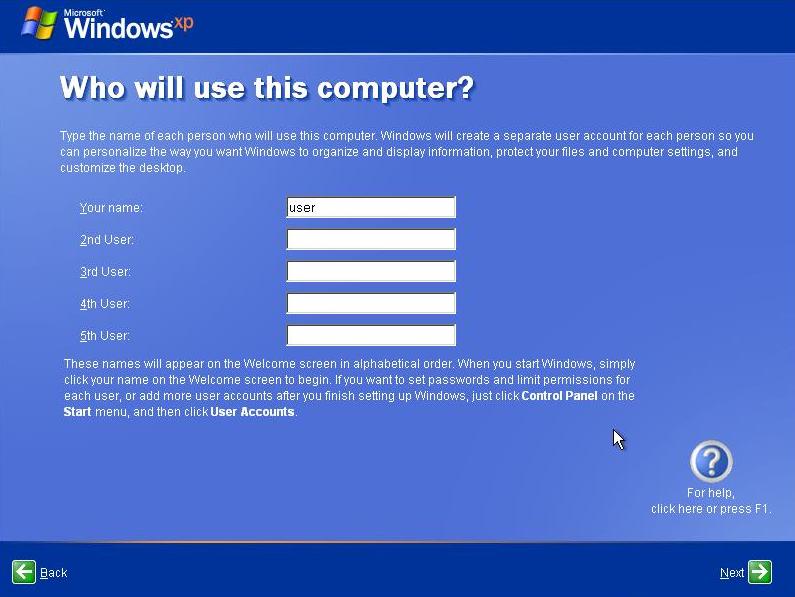
21. and then "Next"
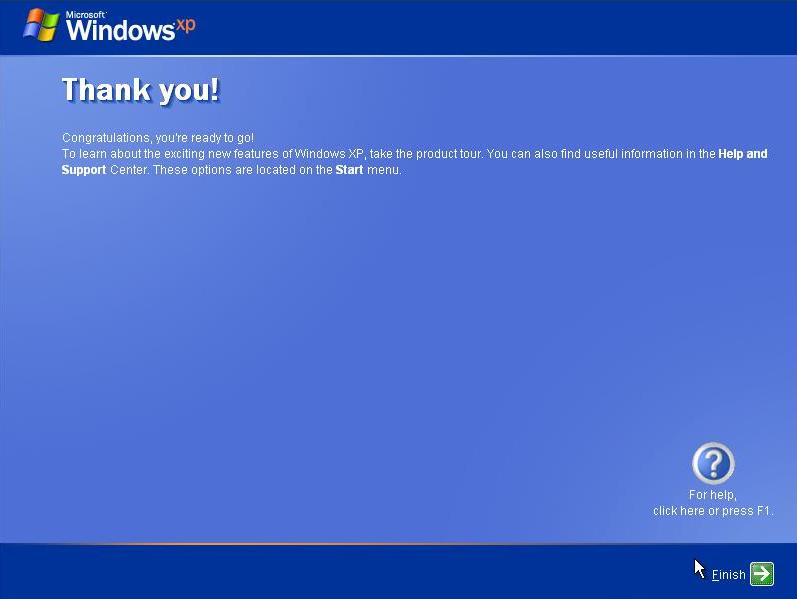
22. Finally finished too:)
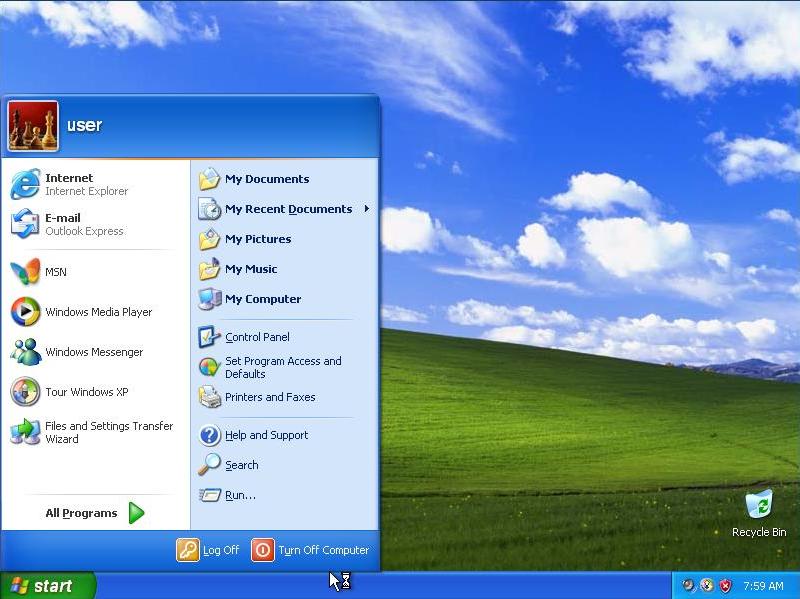
be continued next time with another tutorial :):):)
by. ian civil | ian05041


nice...
ReplyDeletethis my link
http://www.bloggerbontang.blogspot.com
good bro
ReplyDeletehttp://ian05041.wordpress.com
thanks udah share :)
ReplyDelete